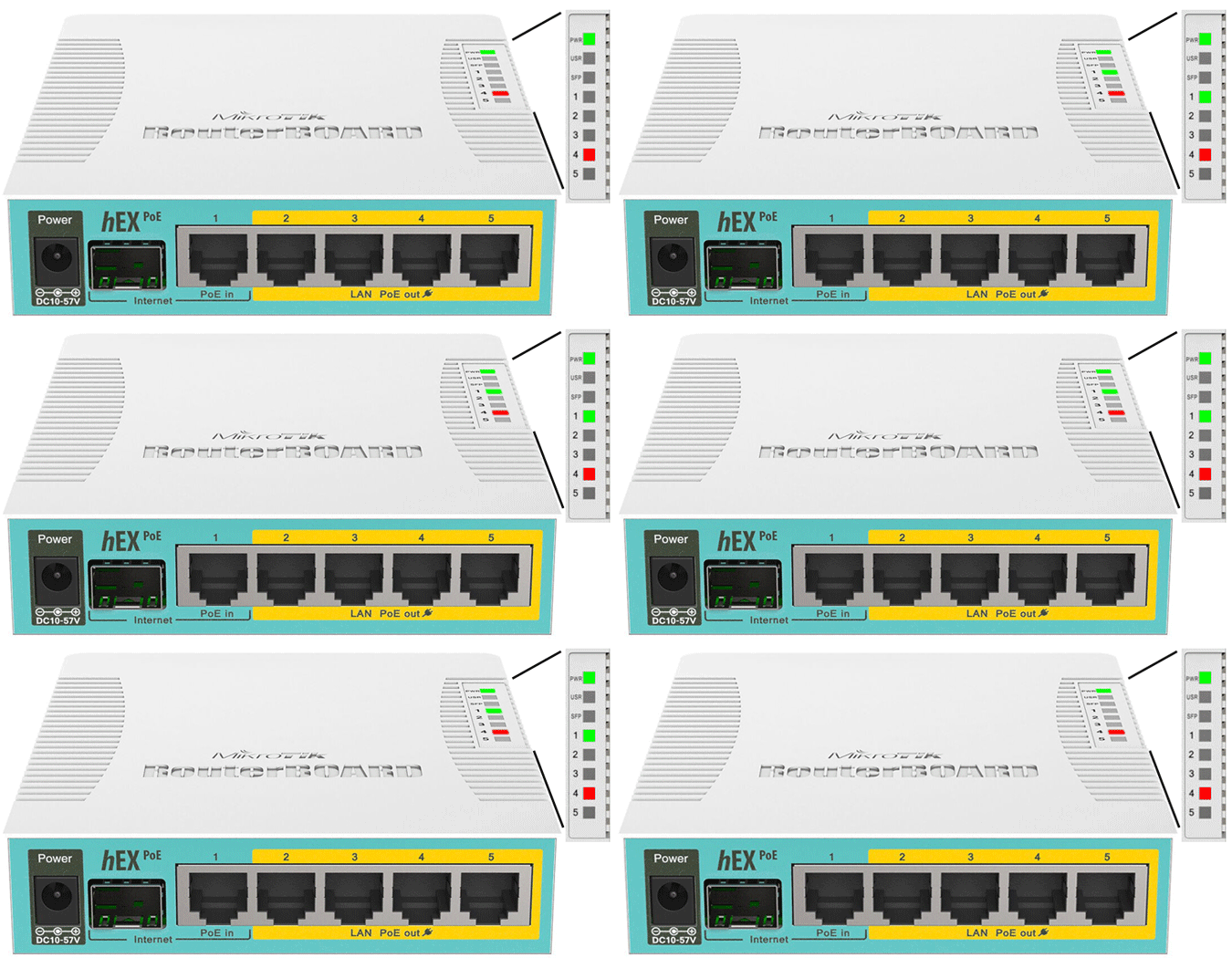
MikroTik RouterBoard hEX PoE
Normal Status Lights
Light
|
STATUS
|
Description & Suggested Action
|
| POWER | SOLID GREEN | Powered On |
UNLIT | No Power | | SFP | SOLID OR FLASHING | Acts as a Link indicator and also used during RouterOS system resets |
| PoE IN PORT 1 | SOLID GREEN | A valid 1Gbps (Gigabit) link is established |
FLASHING GREEN | The Port is transferring data at 1Gbps and PoE is disabled | SOLID ORANGE | a valid 10/100 Mbps link is established | FLASHING GREEN OR ORANGE | Data is being transmitted or received | UNLIT | No cable is connected, the connected device is powerd off or the link has failed | | LAN PoE OUT PORT 2-5 | SOLID RED | The port is successfully delivering PoE power to the connected device |
FLASHING RED | Indicates an overload, short-circuit, or incompatible power draw on that specific PoE port |
For more information or to have your device listed please contact
Infotel Systems
The Story Behind "Status Lights"

 StatusLights.com