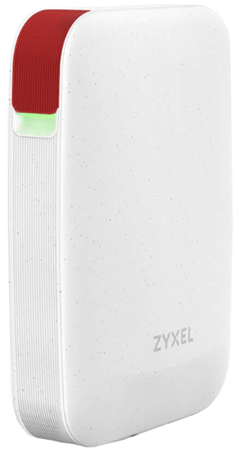
ZyXEL USG LITE 60AX
Normal Status Lights
Light
|
STATUS
|
Description & Suggested Action
|
| STATUS | Flashing Amber/Green | Fast flashing (300 milliseconds interval) Means the device is booting up |
Flashing Amber/Green | Slow flashing (1 second interval) Device is setting up a connection with NCC | Flashing Green | Slow flashing (1 second interval) Device is not registered with NCC, Device-Extender pairing has failed, connection has expired or Wi-Fi is disabled or no SSID enabled in NCC | Flashing Green | Fast flashing (300 milliseconds interval) Device-Extender pairing is in progress | Solid Green | Connected to NCC and Wi-Fi clients are connected to the device, pairing has succeeded or the power is on | Flashing Blue | Slow flashing (1 second interval) Device is connected to NCC but no wi-Fi clients are connected to the device | Flashing Red | Fast flashing (50 ms interval) Device is undergoing a Firmware upgrade | Flashing Red | Slow flashing (Blinks 3 times, off for 3 seconds) Uplink of the Device is disconnected |
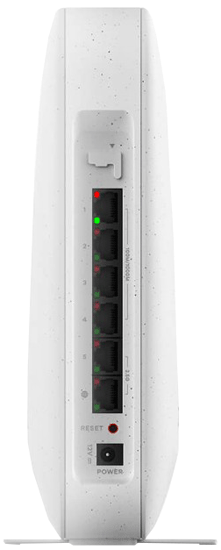
Light
|
STATUS
|
Description & Suggested Action
|
| PORT | LED's | See main LED light on front panel for device status |
For more information or to have your device listed please contact
Infotel Systems
The Story Behind "Status Lights"

 StatusLights.com